Why a "finds" page is more useful than a raw link list
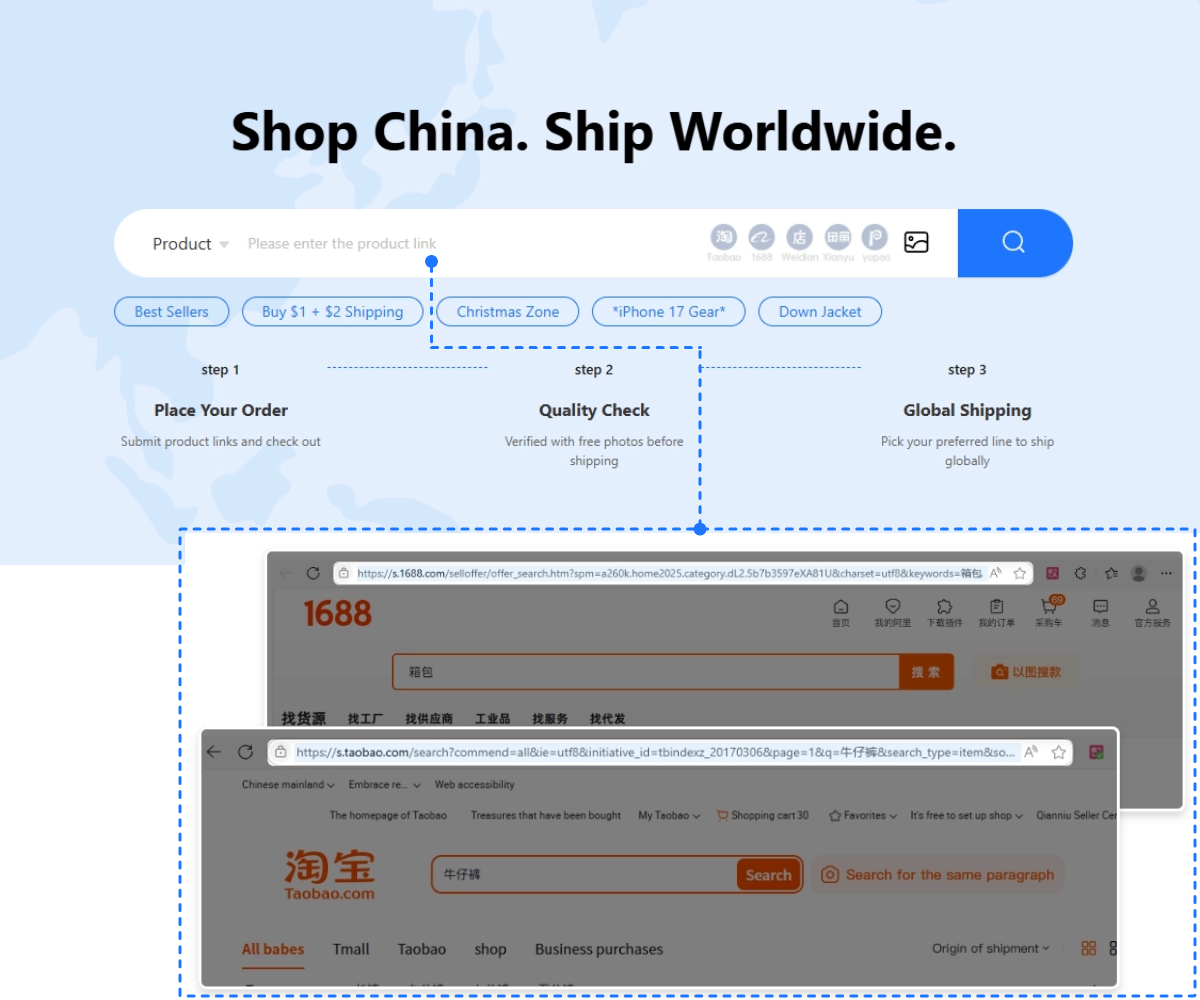
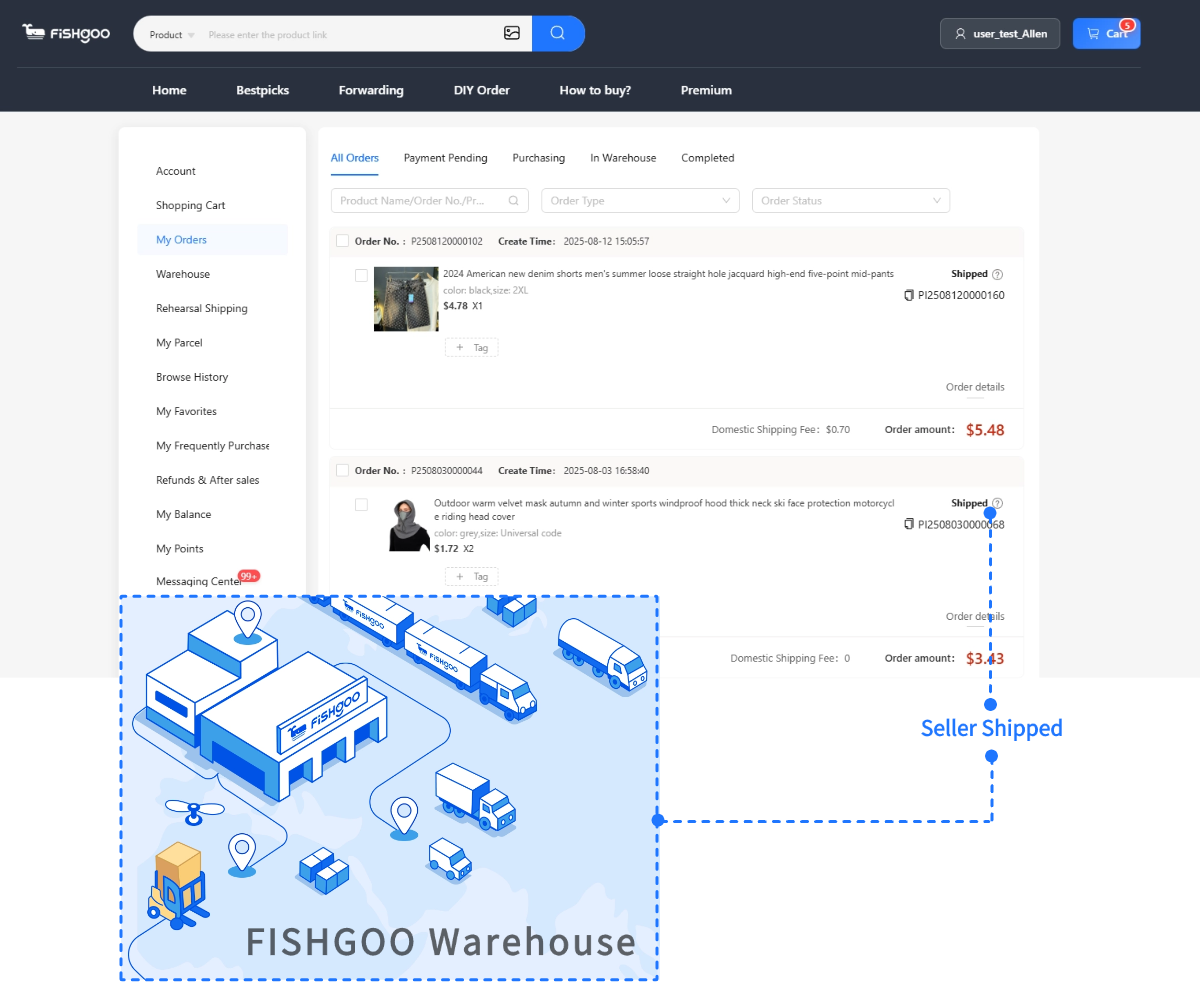
Spreadsheet finds go stale quickly. A row pasted to Reddit in March can have the seller's Weidian item ID expire by June, the Yupoo album turn private, the photo URLs 404, or the seller quietly switch batches under the same SKU. A finds hub that just re-publishes links inherits all of those problems. The Fishgoo Spreadsheet finds page treats every link as a question with four parts — is the listing still live, are the photos real, does the category have a known QC trap, and can Fishgoo actually receive and ship the item — and walks the buyer through each one before money moves. Use it as a decision map, not a shopping basket.
Four checks before you click buy
- Listing alive? Open the seller link in a private window. Weidian and 1688 listings that have been delisted return a generic homepage; Yupoo albums that are no longer public ask for a password.
- Seller active? Scroll to the seller's most recent upload date. A gap of more than 60 days usually means the album is dormant or rebranded. Fresh buyer photos in the last 14 days are the strongest sign.
- Real photos? Catalogue renders look too clean — flat lighting, perfect alignment, no shadows. Real seller photos have angle variation, daylight cast, and at least one detail shot.
- Category QC trap? Each category page on this site lists the recurring QC pitfalls — open the matching guide before paying.
How to spot a dead link before you waste time
Dead links are the silent tax of every spreadsheet. The most common causes are seller bans (Weidian or 1688 closed the listing for trademark complaints), seller migration (the same item moved to a new alias), Yupoo album expiry (free albums get archived after a period of inactivity), and password-gated reposts where the original spreadsheet poster only shared the public URL. A quick triage: copy the seller name or item ID into the original platform's search bar; if the same item shows up under a different listing, the seller migrated and the new link is usable. If nothing shows up, the listing is dead and the spreadsheet row needs retirement. Fishgoo support can sometimes locate a moved listing if you give them the original product name plus a hero photo.
How to read a seller's batch history
Batch tracking is the difference between an experienced buyer and a first-haul buyer. The same seller can stock two or three batches of the same shoe, hoodie, or jersey across a year — different factory runs, slightly different materials, occasionally different cuts. Look at the seller's album for batch tags (often "v1", "v2", "summer", "winter", or a season code), and cross-reference the most recent buyer photos to the album hero. If the buyer photo matches the album, the seller is still pulling from the same batch; if there is a visible difference, ask explicitly which batch the warehouse will receive before paying. Community batch databases on Reddit and Discord catalogue these shifts for popular SKUs.
How to use the category pages from this finds hub
- Open the category guide for the item type — sneakers, jackets, hoodies, jerseys, etc.
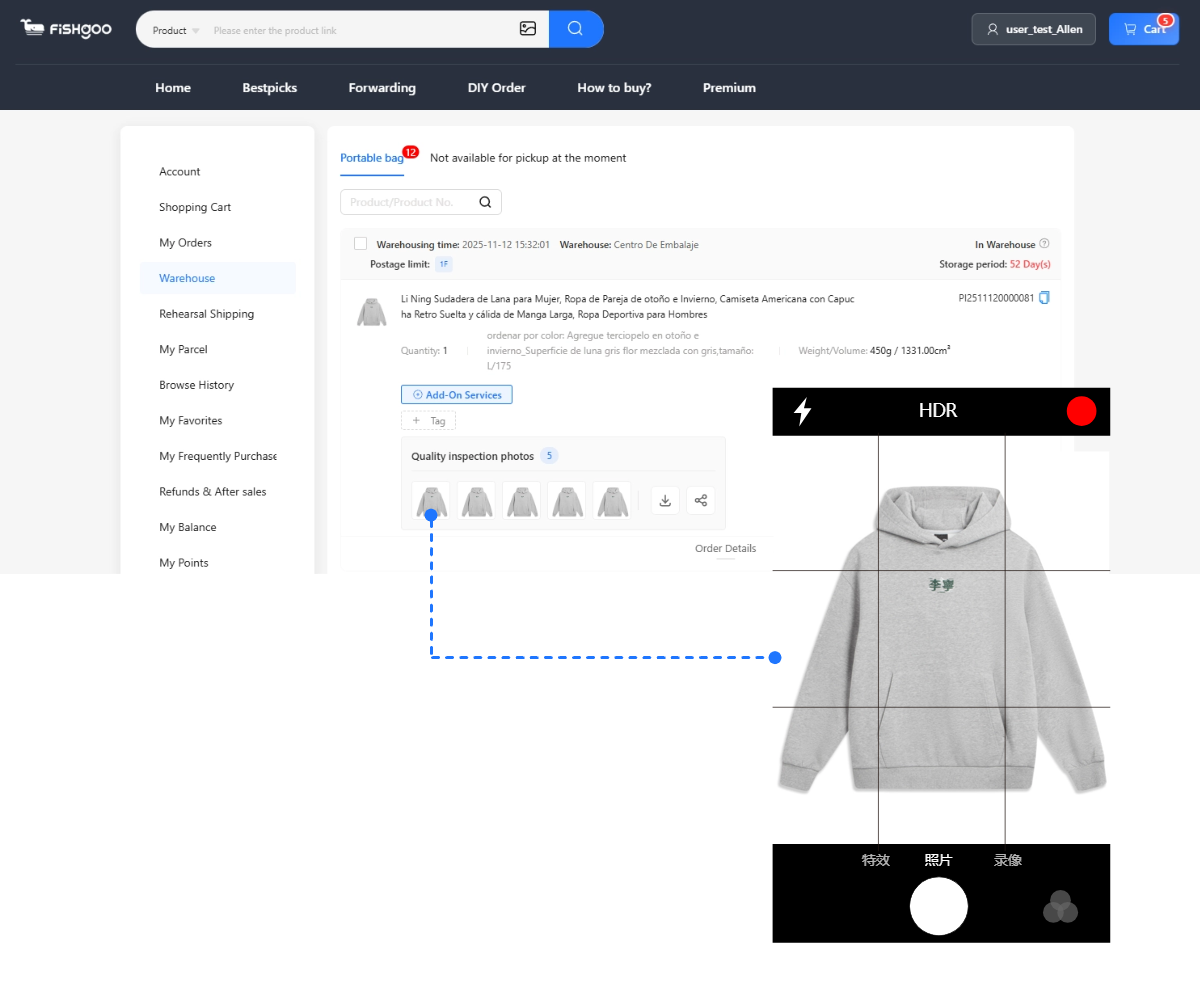
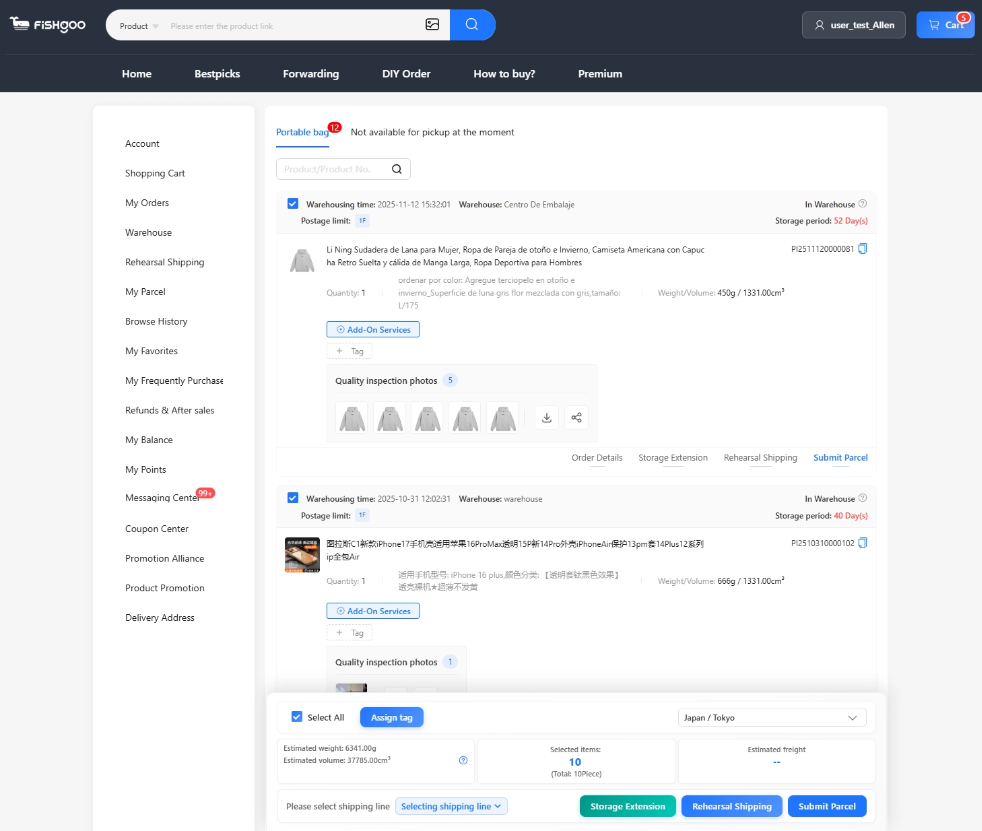
- Use the QC checklist before approving warehouse photos; treat it as a script, not a vibe check.
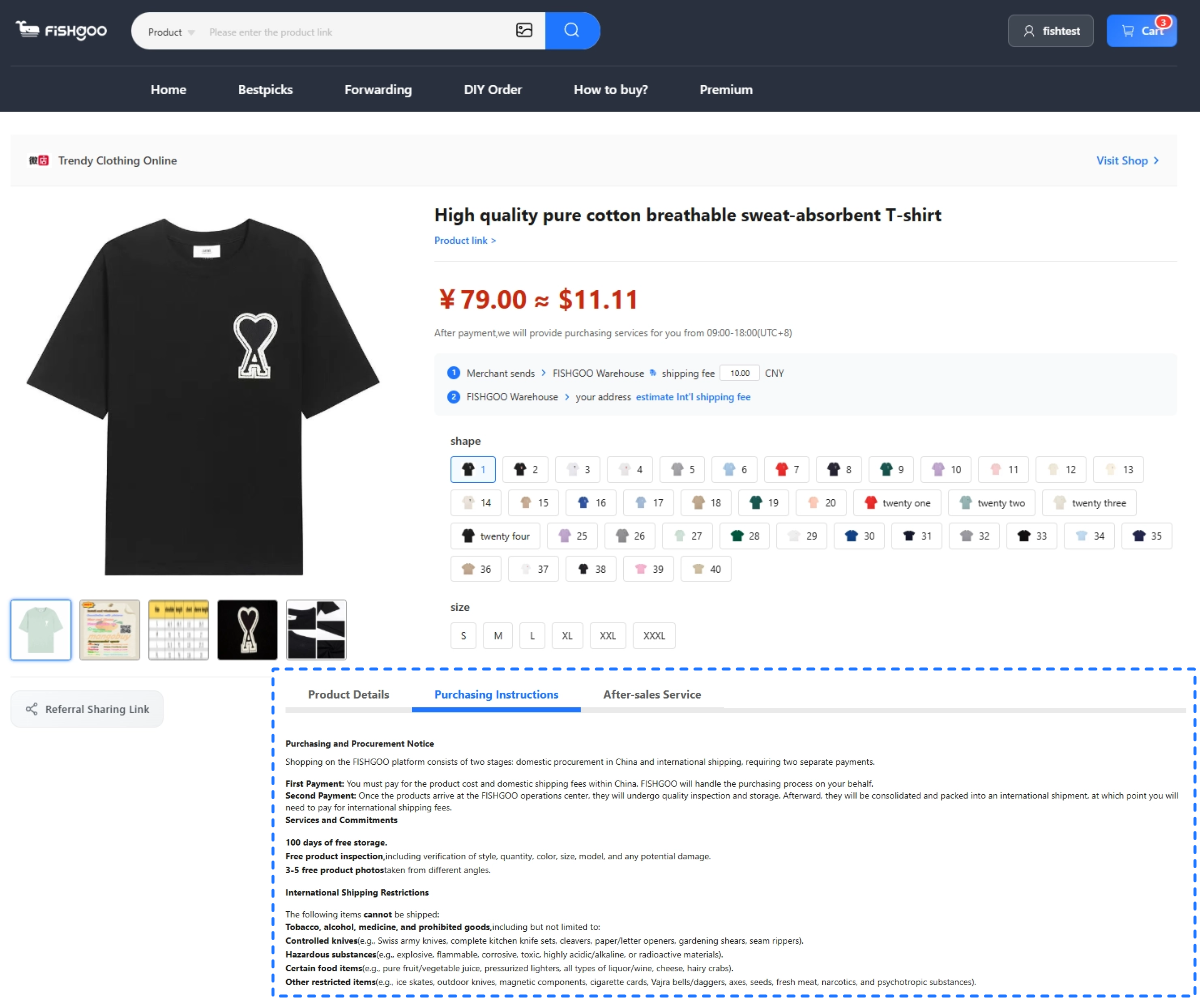
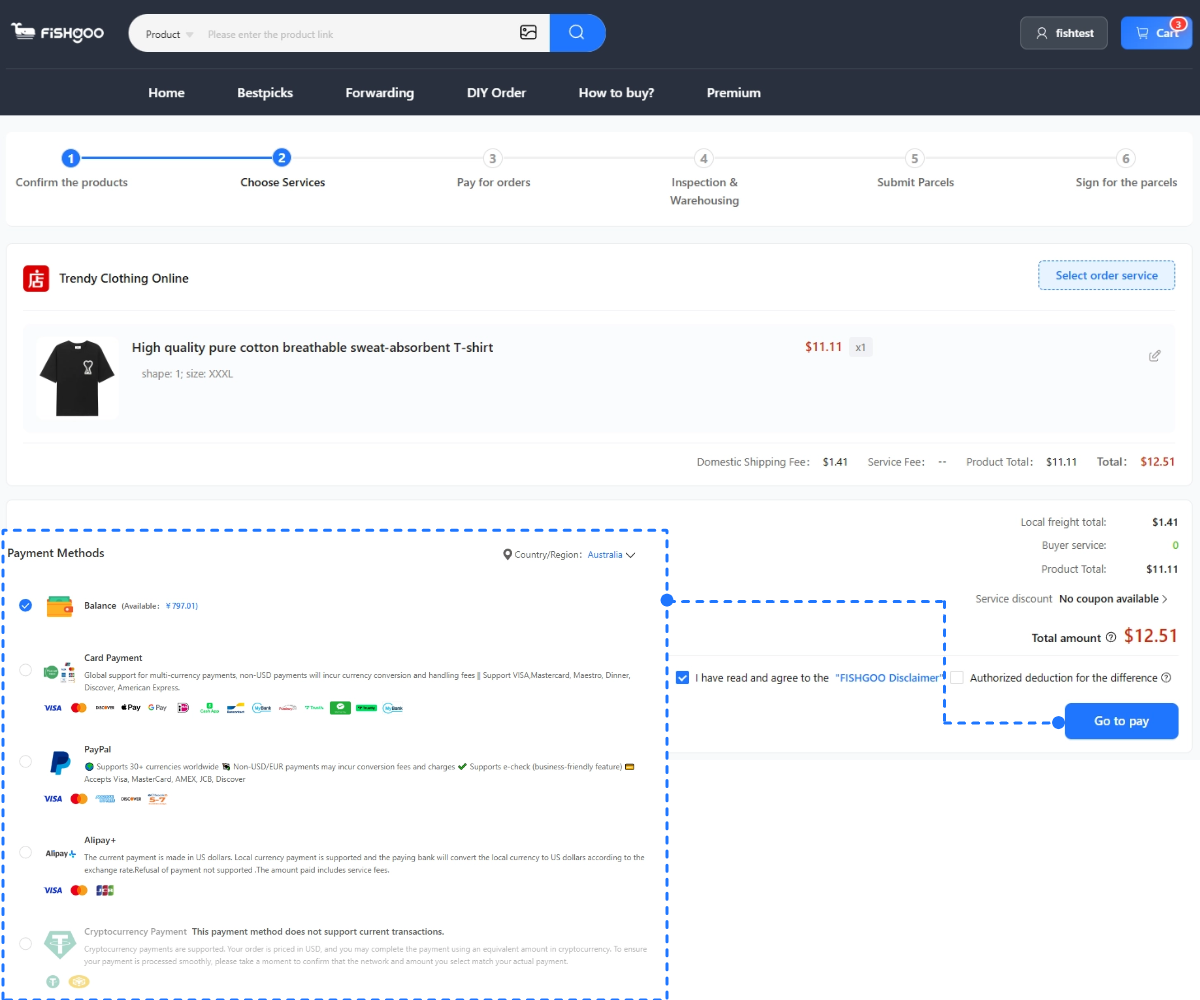
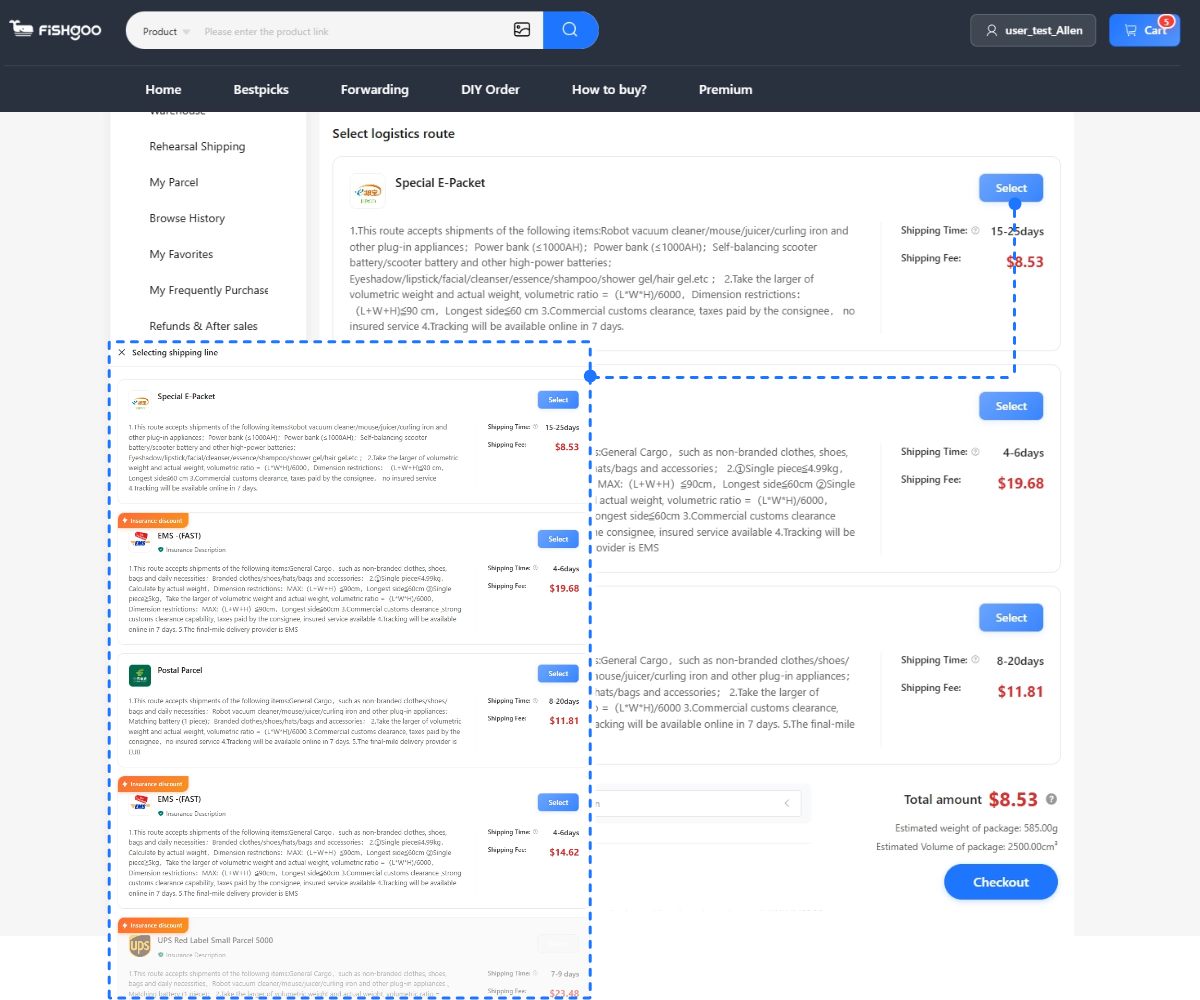
- Use the shipping notes to estimate delivered cost, not just product price.
- Save risky finds for a smaller test order instead of bundling them into a large first haul.
- Keep screenshots of every QC photo and every chat message with the seller through Fishgoo — useful for exchange disputes.
Related Fishgoo categories
Use category pages when a question becomes visual: sizing, stitching, hardware, print placement, shape, fabric, or shipping volume.